
11 Fleet, Movement & Maintenance
Playback
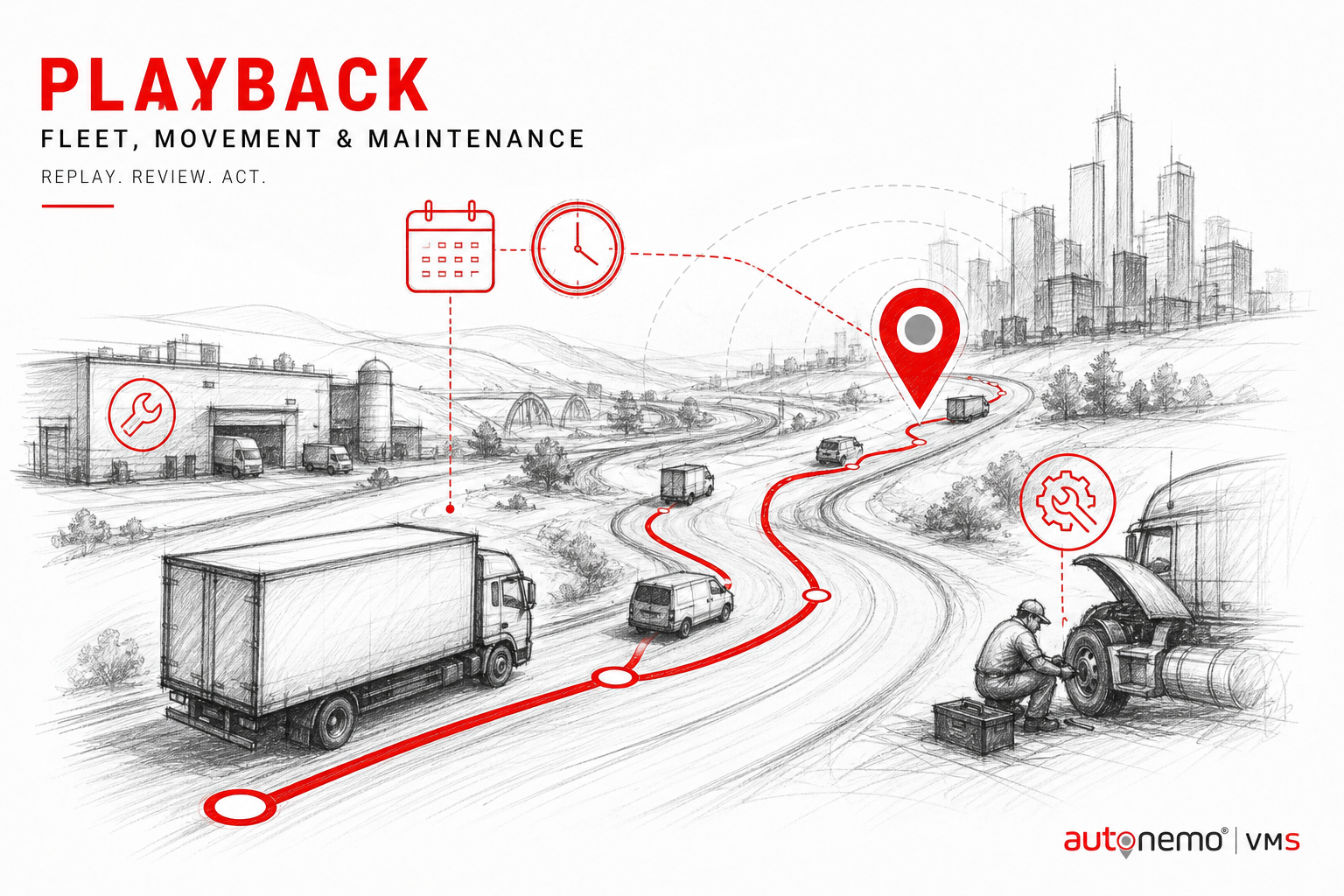
Vehicle playback screen for route replay and tracker movement review.
Illustrations on this page are conceptual examples — not screenshots of the live system.
How you can use it
The same Fleet module supports different transport models — pick the scenarios that match your operation.
Playback in daily operations
Vehicle playback screen for route replay and tracker movement review.
Vehicle & movement control
Playback for fleet and workshop managers — typical in Bangladesh vehicle-heavy organisations.
Date/time filtered route playback
Teams use Playback when they need date/time filtered route playback — without maintaining a separate spreadsheet or WhatsApp thread.
Stop and idle analysis on…
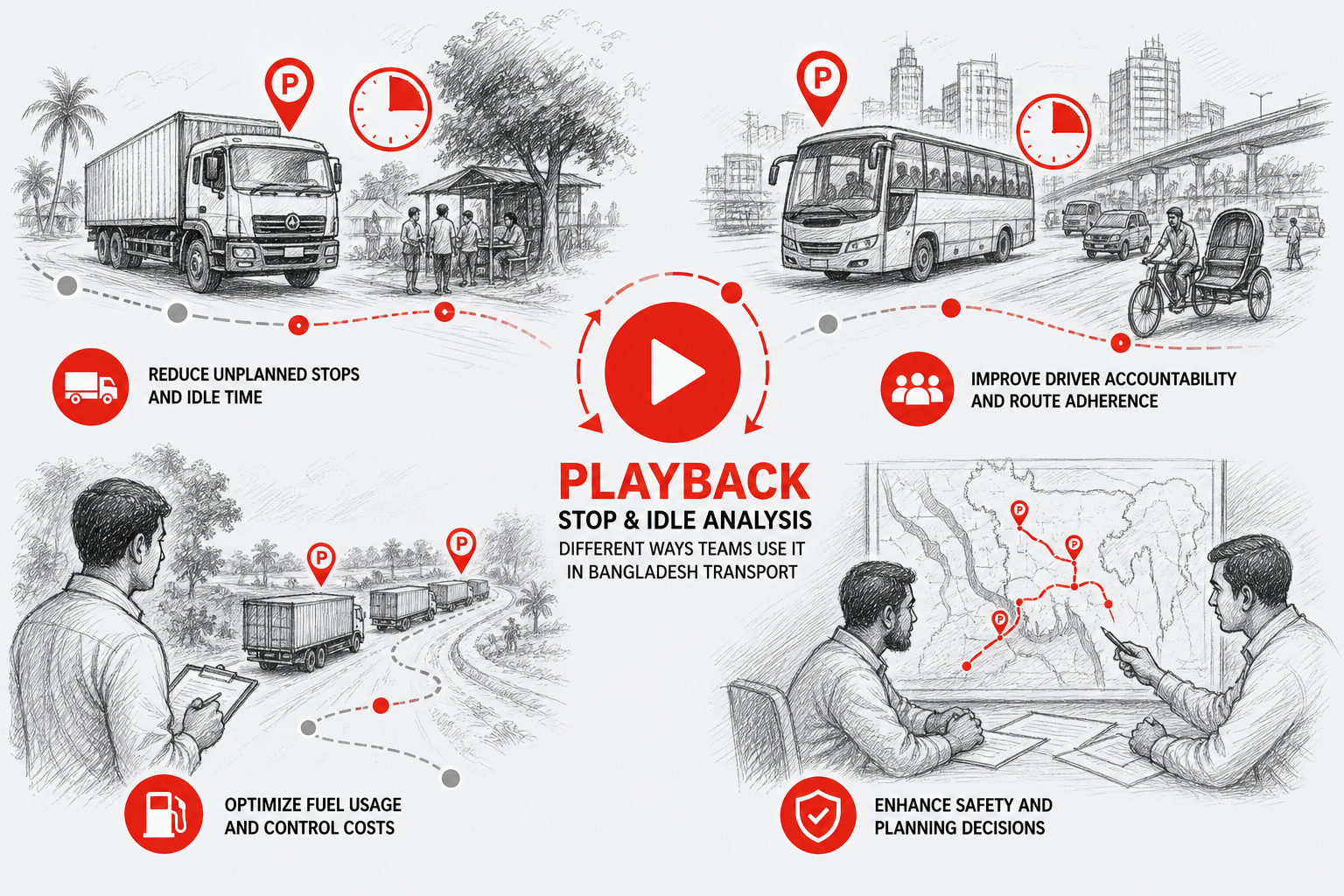
Teams use Playback when they need stop and idle analysis on timeline — without maintaining a separate spreadsheet or WhatsApp thread.
Benefits for your team
What improves when vehicle data lives in one place instead of spreadsheets and phone calls.
Date/time filtered route playback
Playback helps because date/time filtered route playback — recorded inside the VMS audit trail instead of informal channels.
Stop and idle analysis on…
Playback helps because stop and idle analysis on timeline — recorded inside the VMS audit trail instead of informal channels.
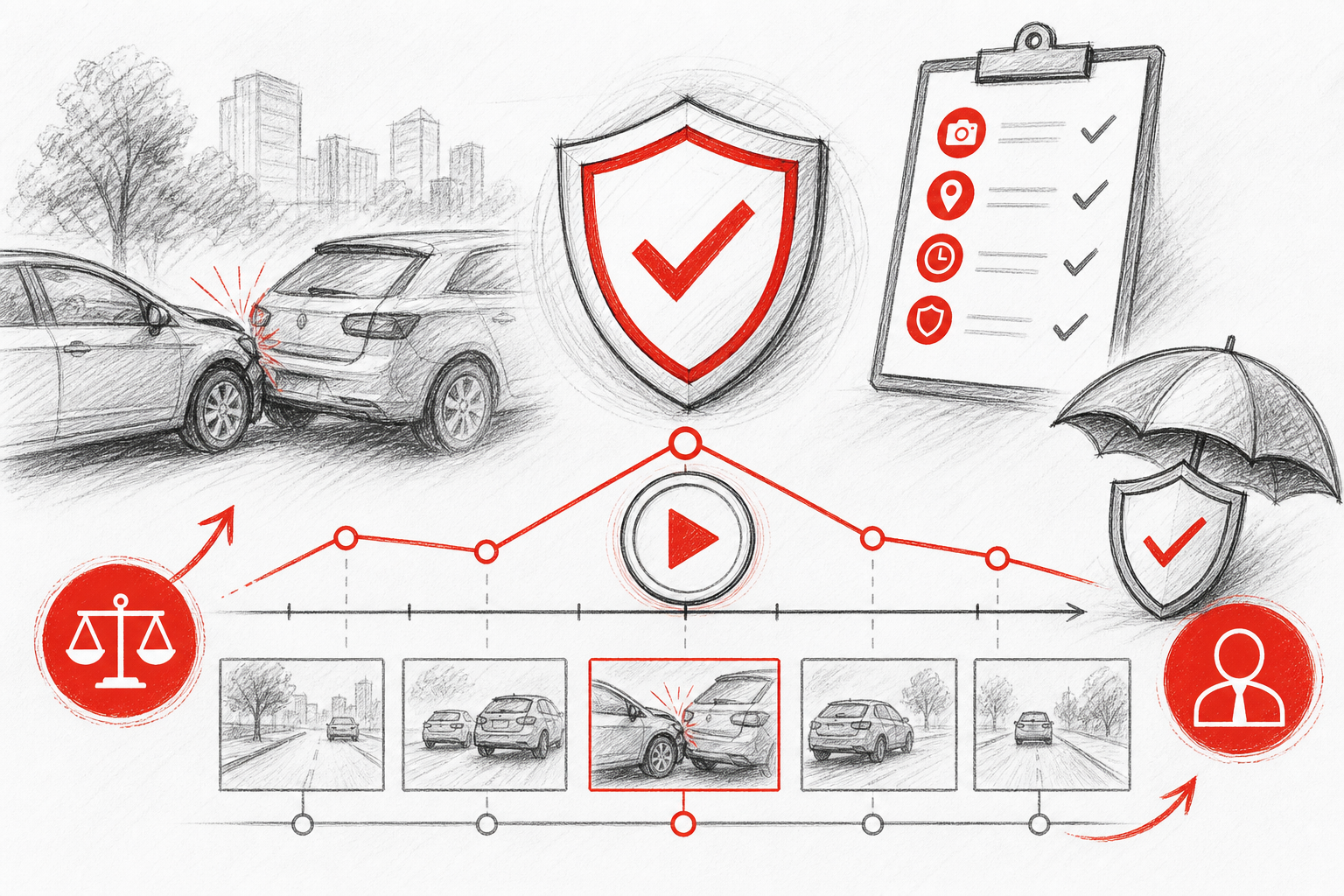
Evidence for client or insurance…
Playback helps because evidence for client or insurance claims — recorded inside the VMS audit trail instead of informal channels.
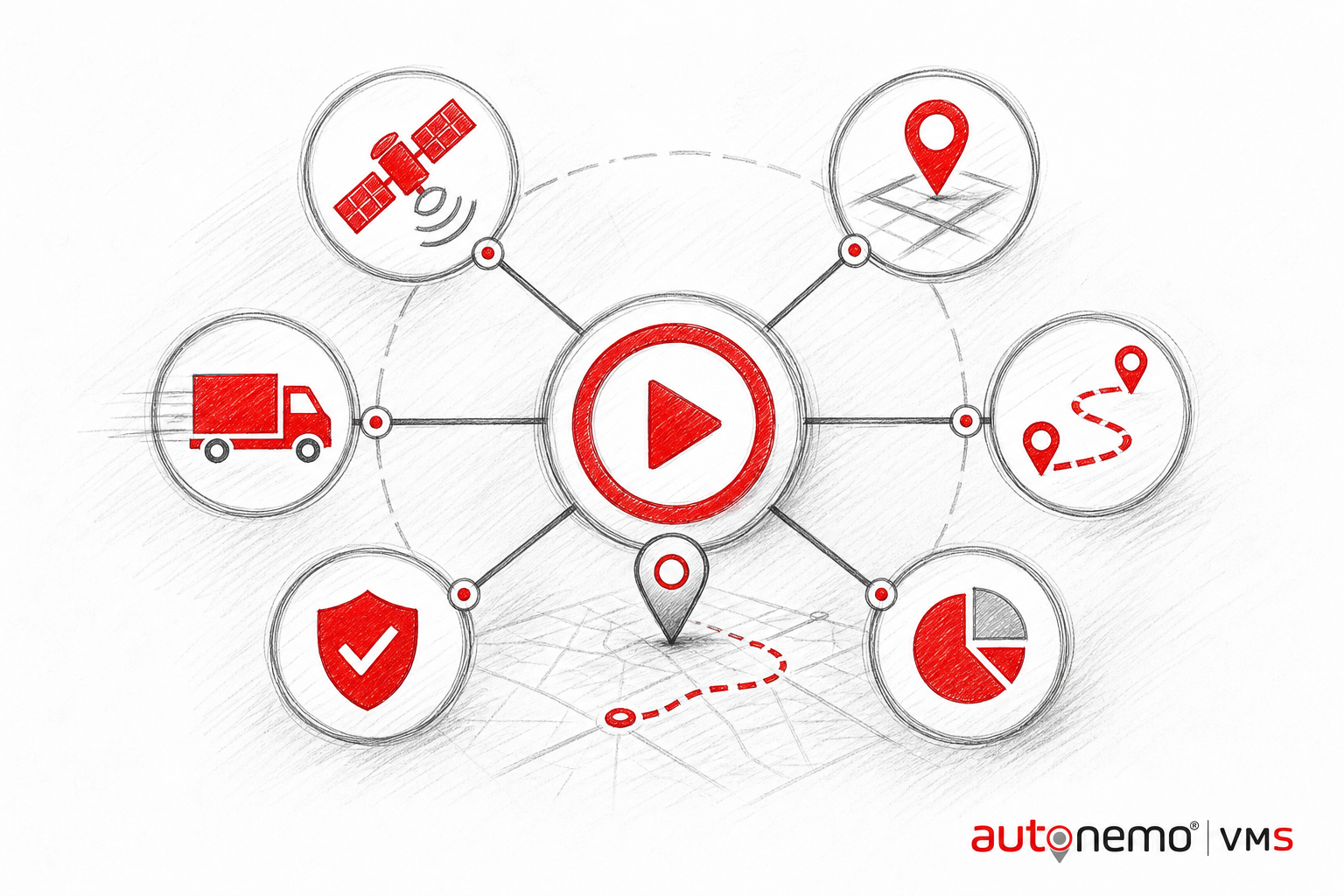
Pairs with live GPS and…
Playback helps because pairs with live GPS and trip records — recorded inside the VMS audit trail instead of informal channels.
Makes daily work easier
Less chasing, less re-entry, fewer surprises on the morning dispatch board.
- Playback supports view, live, transfer — so users do not jump between unrelated tools for the same task.
- Less manual follow-up: date/time filtered route playback
- Less manual follow-up: stop and idle analysis on timeline
- Less manual follow-up: evidence for client or insurance claims
- Branch-scoped access means local teams open Playback without seeing other depots' records.
Multi-user & mobile-ready
Different roles see different slices — desktop for planning, mobile for field, dashboard for leadership.
- Operations lead (desktop)Plans and supervises Playback with full register access, filters, and exports.
- Branch user (tablet / laptop)Works on branch-scoped Playback records — no cross-branch data leakage.
- Field staff (mobile)Submits or confirms Playback tasks from phone — limited permissions, faster updates.
- Manager / approverReviews exceptions, approvals, and summaries inside Playback without re-keying data.
- Owner / executive (dashboard)Reads KPI widgets fed by Playback — not day-to-day data entry screens.
Works with your other modules
Fleet is the vehicle master — other modules read from it so data stays consistent across the platform.
- FleetVehicle master in Fleet feeds live status into Playback.
- TripsTrip records pull vehicle, driver, and billing context from Playback.
- GPS Location SharingLive movement from GPS sharing supports client updates tied to Playback.
- Vehicle OwnersPlayback and Vehicle Owners share the same platform data — no duplicate entry between modules.
- Vehicle AssetsPlayback and Vehicle Assets share the same platform data — no duplicate entry between modules.
- ReportsReport hub aggregates Playback metrics for branch and management packs.