
48 Reports, SMS & Setup
SMS
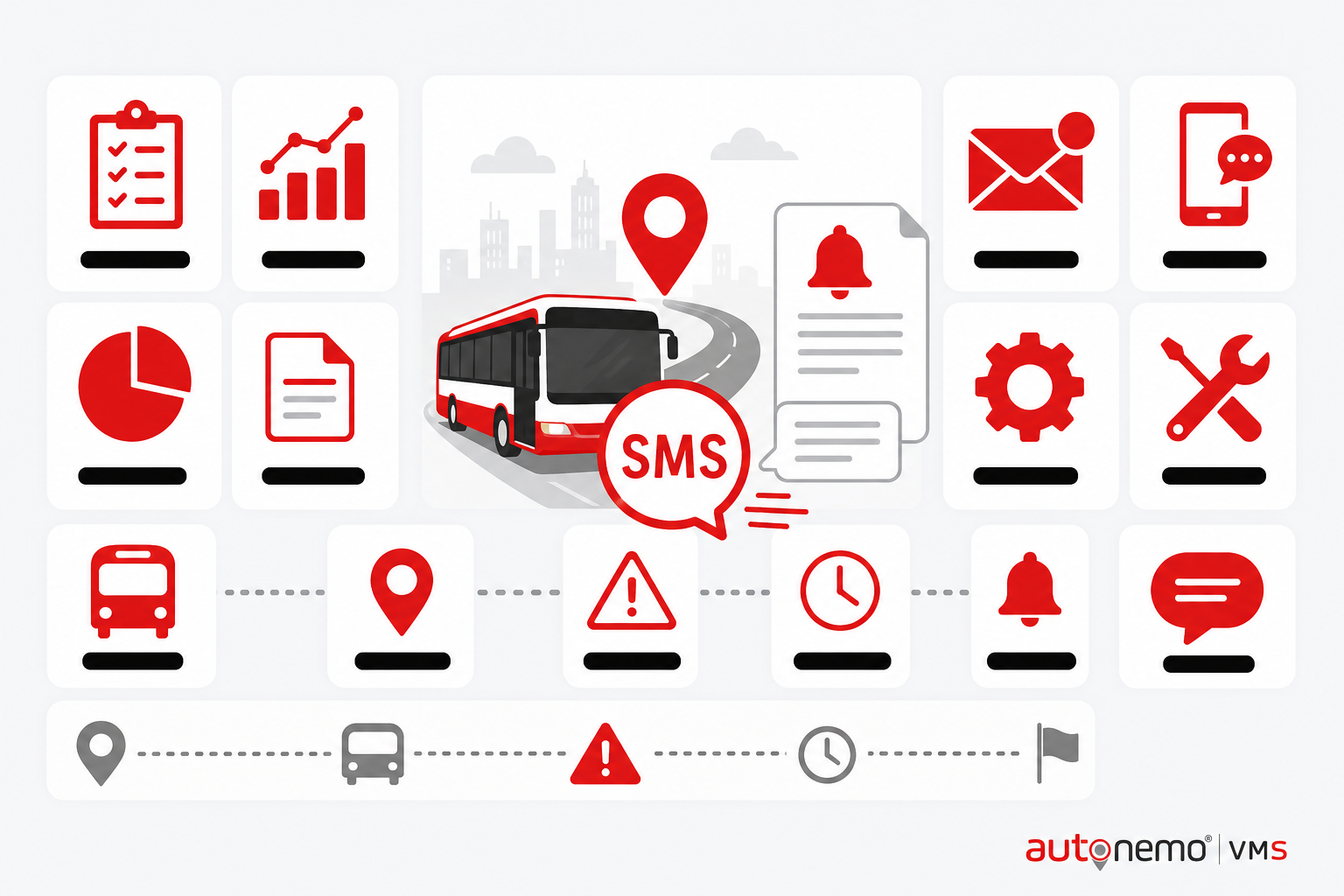
SMS templates, sending, balance, purchase, and SMS log.
Illustrations on this page are conceptual examples — not screenshots of the live system.
How you can use it
The same Fleet module supports different transport models — pick the scenarios that match your operation.
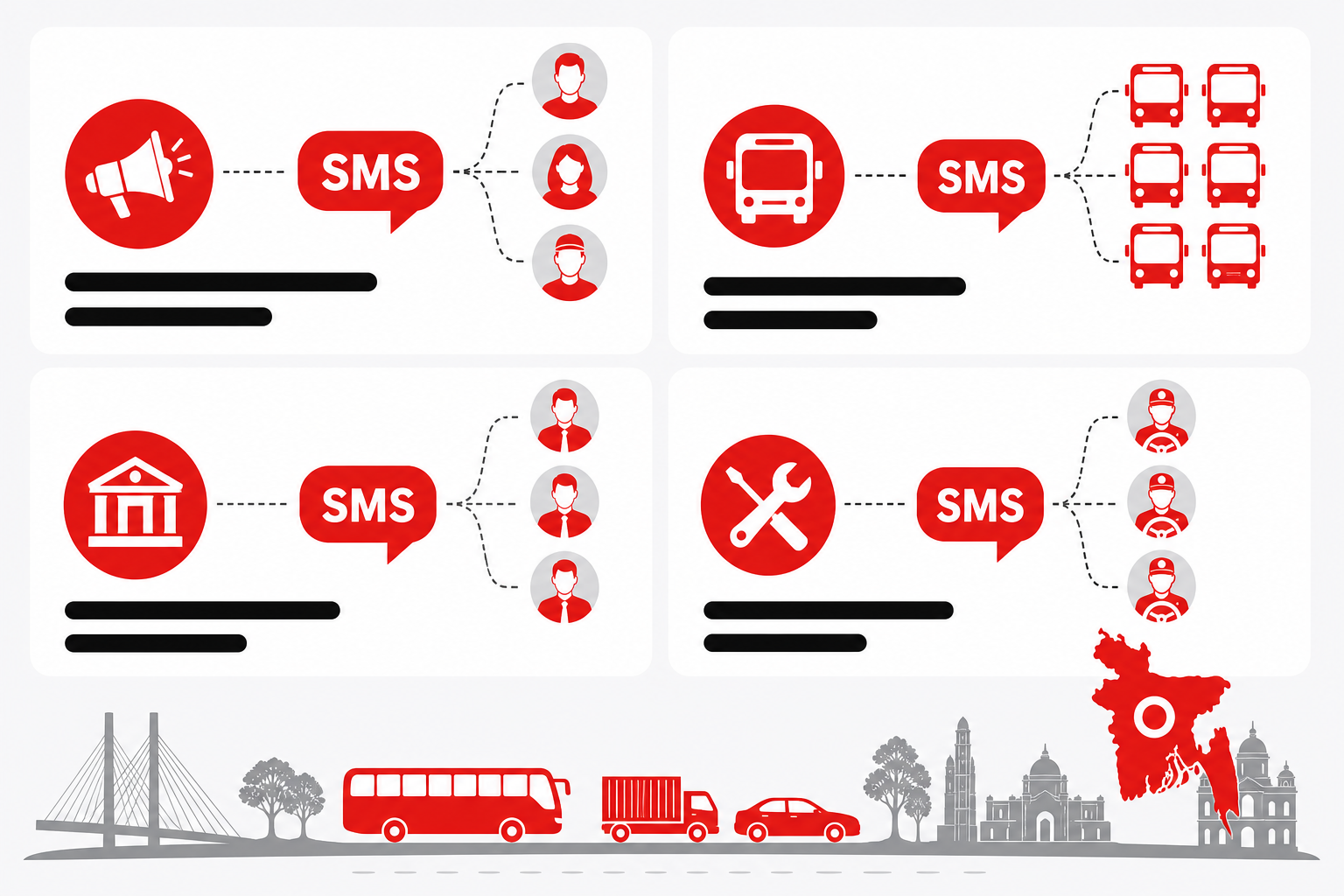
SMS in daily operations
SMS templates, sending, balance, purchase, and SMS log.
Platform administration
SMS for system administrators — typical in Bangladesh multi-branch VMS rollouts.
Trip and delay notification templates
Teams use SMS when they need trip and delay notification templates — without maintaining a separate spreadsheet or WhatsApp thread.
Bulk send to client or…
Teams use SMS when they need bulk send to client or driver groups — without maintaining a separate spreadsheet or WhatsApp thread.
Benefits for your team
What improves when vehicle data lives in one place instead of spreadsheets and phone calls.
Trip and delay notification templates
SMS helps because trip and delay notification templates — recorded inside the VMS audit trail instead of informal channels.
Bulk send to client or…
SMS helps because bulk send to client or driver groups — recorded inside the VMS audit trail instead of informal channels.
Delivery logs for compliance
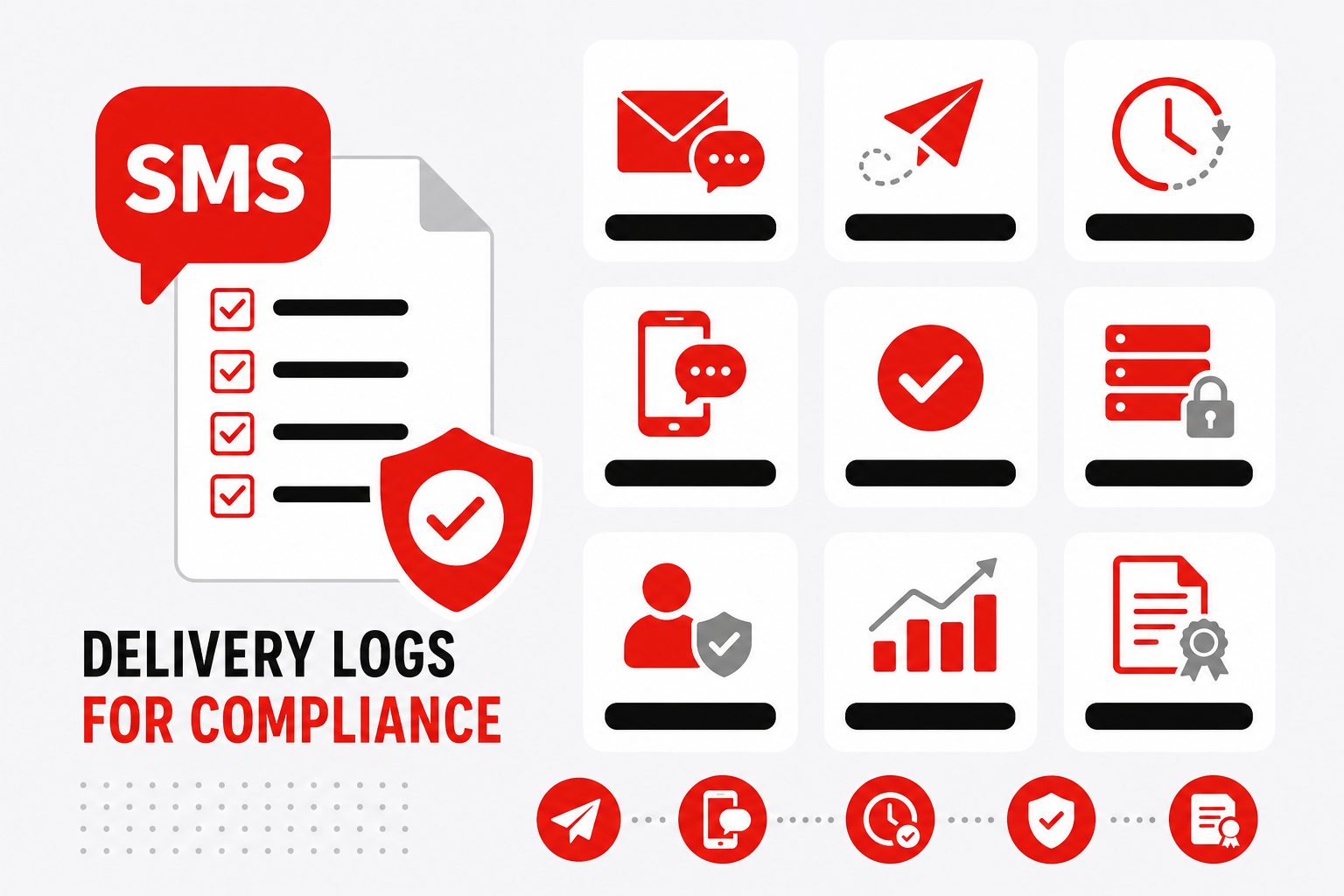
SMS helps because delivery logs for compliance — recorded inside the VMS audit trail instead of informal channels.
Integrates with operational events
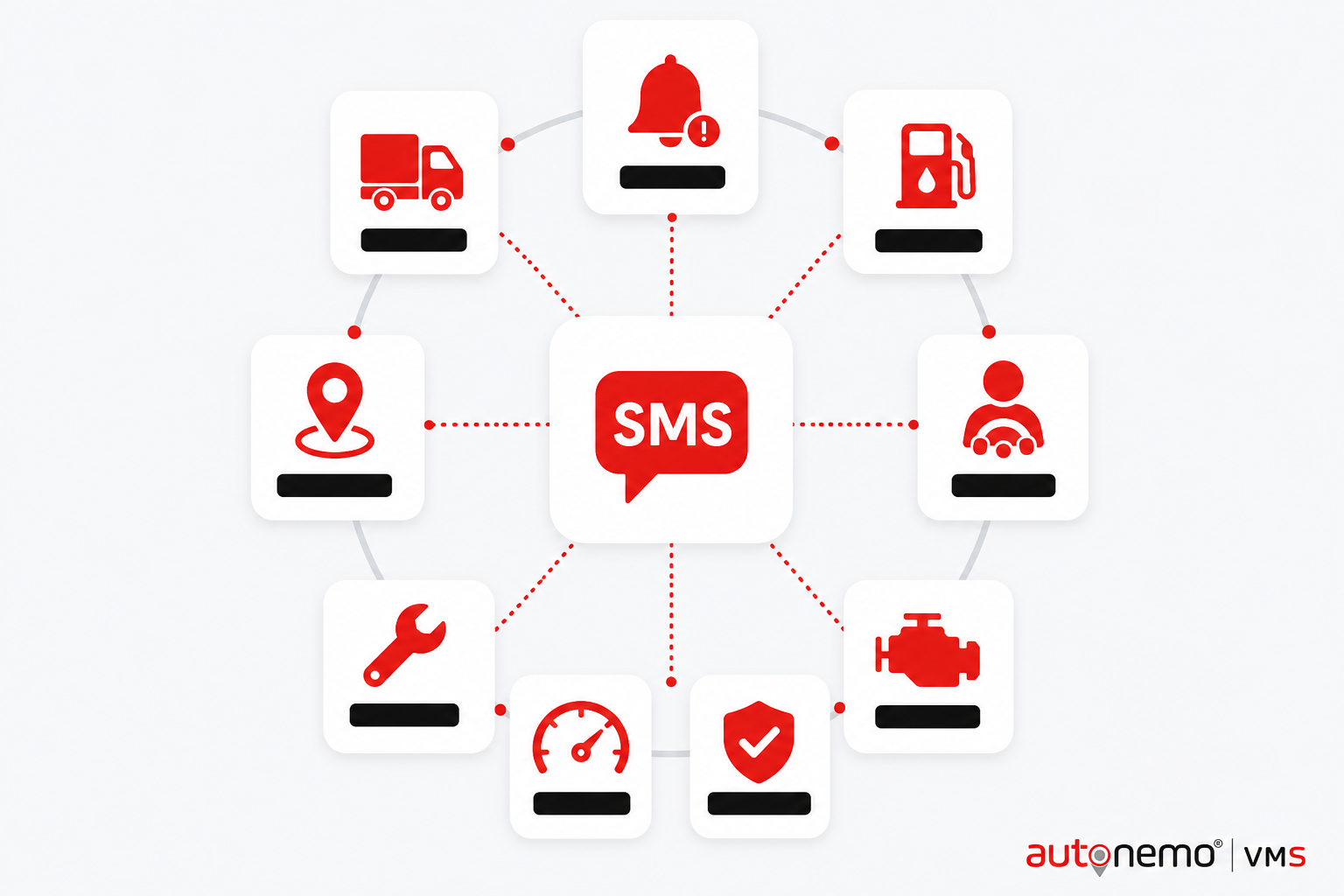
SMS helps because integrates with operational events — recorded inside the VMS audit trail instead of informal channels.
Makes daily work easier
Less chasing, less re-entry, fewer surprises on the morning dispatch board.
- SMS supports view — so users do not jump between unrelated tools for the same task.
- Less manual follow-up: trip and delay notification templates
- Less manual follow-up: bulk send to client or driver groups
- Less manual follow-up: delivery logs for compliance
- Branch-scoped access means local teams open SMS without seeing other depots' records.
Multi-user & mobile-ready
Different roles see different slices — desktop for planning, mobile for field, dashboard for leadership.
- Operations lead (desktop)Plans and supervises SMS with full register access, filters, and exports.
- Branch user (tablet / laptop)Works on branch-scoped SMS records — no cross-branch data leakage.
- Field staff (mobile)Submits or confirms SMS tasks from phone — limited permissions, faster updates.
- Manager / approverReviews exceptions, approvals, and summaries inside SMS without re-keying data.
- Owner / executive (dashboard)Reads KPI widgets fed by SMS — not day-to-day data entry screens.
Works with your other modules
Fleet is the vehicle master — other modules read from it so data stays consistent across the platform.