
Corporate & staff fleet management
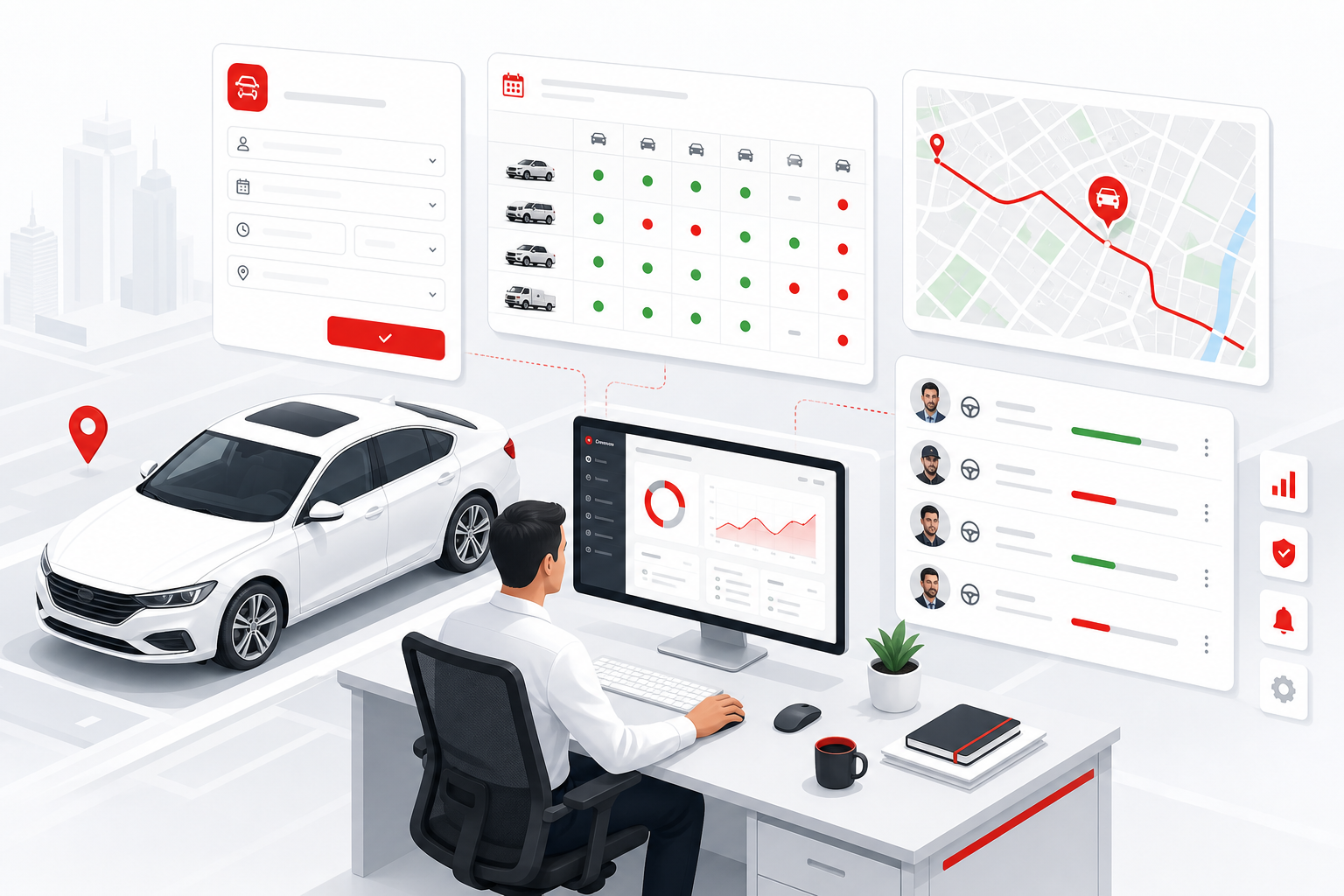
Corporate transport desk — trip requisition, fleet calendar, live availability, permanent car allocation for admins and executives, staff movement with GPS and route planning, digital driver log book, corporate-hour rules, and department billing. Built for Bangladesh office fleet policy and audit.
Use cases
- Employee and PA trip requisition with manager approval before any staff movement.
- Transport calendar showing pool and assigned cars — free, booked, or workshop.
- Permanent car allocation for MD, directors, admins, and grade-based executive fleet.
- Staff movement to client sites, airport, factories, and meetings with route plan.
- Digital driver log book replacing paper registers for audit and insurance.
- Optional live GPS on pool and executive units for security and dispute proof.
- Corporate-hour and after-hours policy gates on requisition and trip start.
- Department cost chargeback from closed trips — finance-ready without Excel.
Why you need this
- WhatsApp car requests leave no audit trail — requisition and calendar fix accountability.
- Double-booking and “no car available” fights stop when availability is live on one board.
- Permanent allocation must be visible — who has which car, driver, and backup when in garage.
- Driver log book and GPS playback settle km, route, and overtime disputes with HR.
- Transport admin needs a planning board — not sticky notes and phone calls every morning.
- Leadership and audit want staff movement reports tied to department cost centres.
Key modules
Typical workflows
- Requisition → approve → check calendar & availability → assign car & driver → route plan → trip → driver log → department bill.
- Permanent unit in workshop → calendar flags conflict → pool fallback assign → notify executive PA.
- Corporate hours breach → after-hours approval → trip run → OT rule → payroll export.
- Month-end: log book + GPS summary + fuel + department chargeback pack for finance.
Requisition, calendar & availability
Staff request a car before it moves — transport admin sees live availability, corporate hours, and approval status on one calendar.
Trip requisition
Employee submits purpose, passengers, date/time, pickup point, and preferred vehicle class online.
Fleet calendar
Day and week view — which cars and drivers are booked, free, or in workshop.
Live availability
Pool and assigned units show free/busy before transport confirms — no double-booking.
Multi-level approval
Line manager → department head → transport admin chains by grade or cost centre.
Corporate hours
Office-hour rules, after-hours policy, and weekend movement flags per company policy.
Ad-hoc & recurring
One-off client visit or weekly recurring requisition for audit, sales, or site teams.
Alerts — approval, availability & compliance
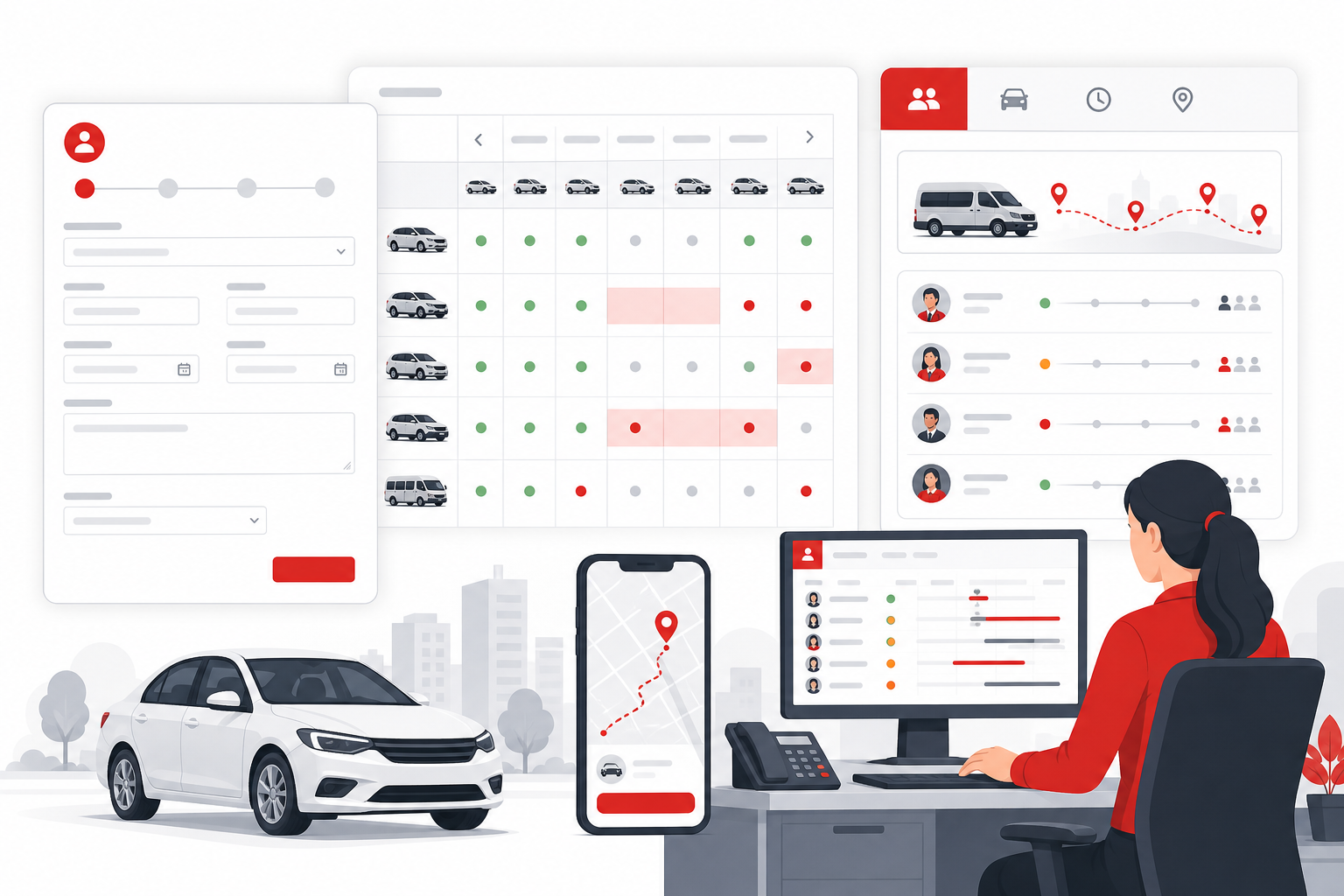
Transport desk acts before chaos — pending requisitions, conflicts, and expired papers surface automatically.
Approval pending
Requisition waiting manager sign-off past SLA — escalate to transport queue.
Calendar conflict
Same vehicle or driver double-booked — block confirm until resolved.
Unit in workshop
Allocated car on job card — suggest pool replacement from availability board.
Driver docs expired
License or medical due — cannot assign until HR clears.
Vehicle compliance
Fitness, insurance, or tax token hold blocks trip start on corporate policy.
GPS / return overdue
Trip past expected return or left approved corridor — notify transport admin.
Staff movement — request to close
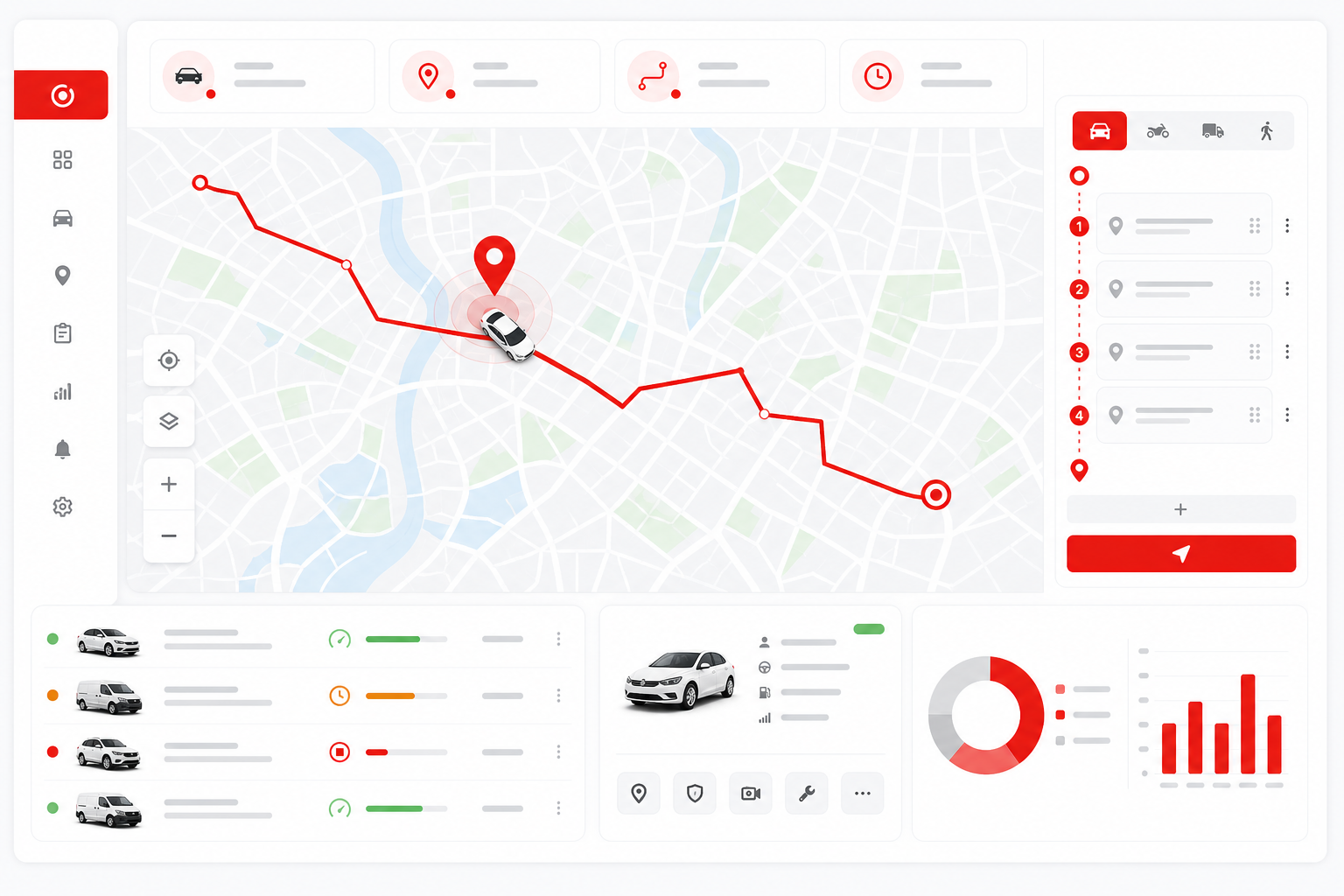
Every staff trip governed — from requisition through assign, movement, driver log, and department billing.
Employee requisition
Staff or PA books car for meeting, site visit, airport, or client call.
Approve & plan
Manager approves; transport checks calendar, route, and corporate-hour rules.
Assign vehicle & driver
Pool car or permanent unit plus driver from roster with availability clear.
Trip run & GPS
Optional live track; route plan shared with security or employee if policy allows.
Driver log book close
Odometer, route notes, passengers, fuel, and purpose recorded digitally.
Billing & report
Cost posts to department; log book and GPS trail archived for audit.
Permanent car allocation — admin & executive
Dedicated vehicles for MD, directors, admins, and grade-based permanent allocation — not fighting the pool every morning.
Grade-based allocation
Policy maps job grade to vehicle class — sedan, SUV, or pool only.
Dedicated unit register
Permanent plate linked to executive or admin with replacement rules when in garage.
Permanent driver pairing
Fixed driver–vehicle pairs with backup roster when leave or sickness.
Pool fallback
Allocated car in workshop auto-suggests temporary pool assign on calendar.

Driver log book, attendance & pay
Paper registers gone — driver log, selfie attendance, overtime, and allowances tied to closed corporate trips.
Digital driver log book
Trip open/close, km, route, passengers, purpose — searchable and PDF export.
Selfie attendance
Driver check-in at shift or trip start with optional GPS stamp.
Overtime
After corporate hours or extra runs — manager approved before payroll.
Allowances
Night halt, food, toll, outstation templates from company policy.
Payroll handoff
Attendance + log + OT batch export with trip reference for HR audit.
GPS, routing, planning & transport desk
Plan staff movement, watch live GPS when deployed, and run the corporate pool from one planning board.
Live GPS map
See assigned and pool vehicles on map — last ping, status, and trip link.
Route planning
Plan stops, estimate time, and attach route to requisition before assign.
Trip playback
Review completed staff movement for dispute, security, or insurance.
Planning board
Transport admin daily board — requisitions, availability, drivers, and conflicts.
Department billing
Chargeback to cost centre from closed trip and log book data.
Utilization reports
Pool vs permanent usage, km per department, and corporate fleet TCO trends.