
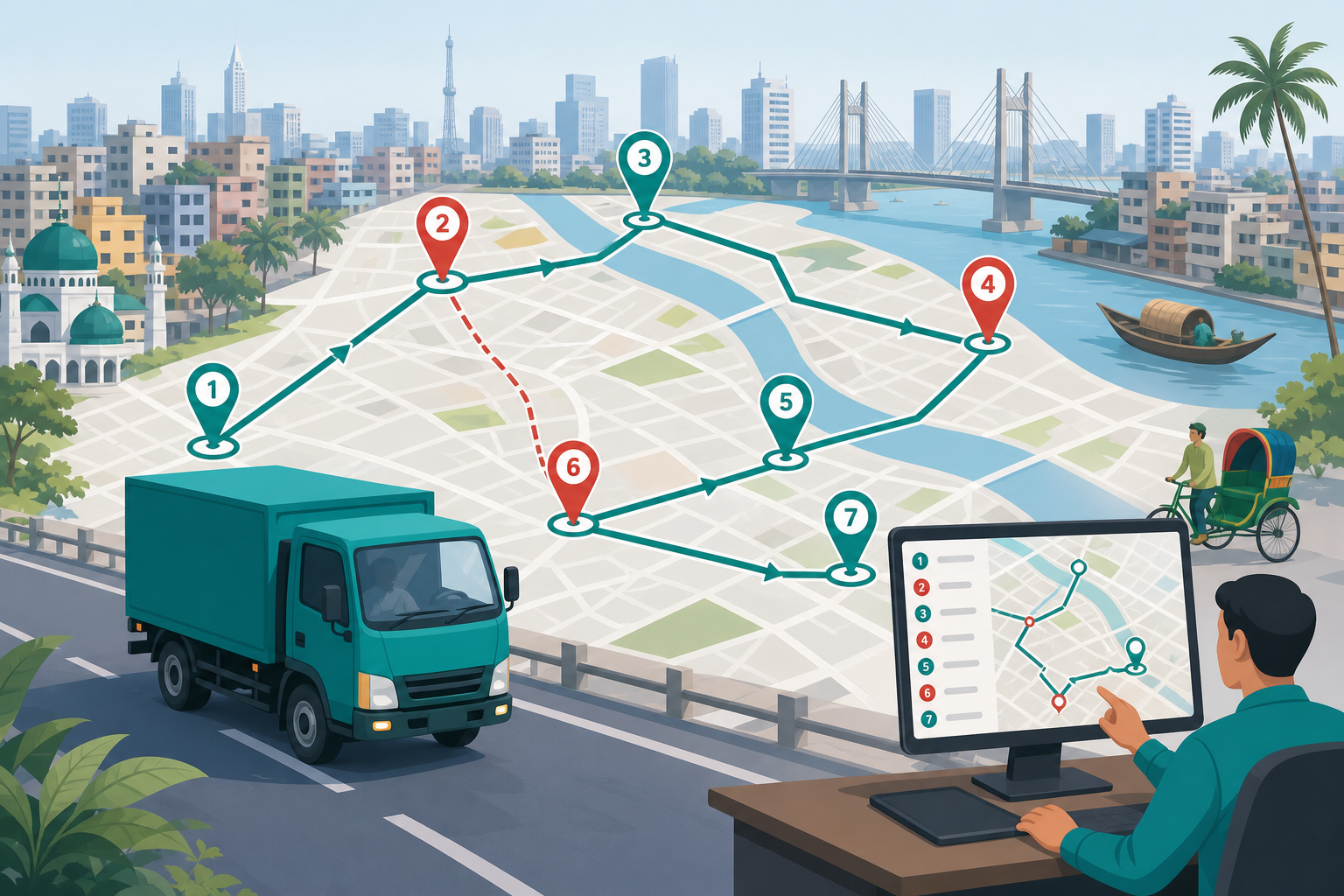
Multi-stop delivery is where fuel economics, driver hour limits, and client SLAs collide hardest — especially in Dhaka’s dense urban loops and peri-urban FMCG lanes where receiving windows are narrow and traffic unpredictable. A route planned by habit (“we always hit Mirpur before Mohammadpur”) may have worked when volumes were lower; at scale it creates empty return legs, missed docks, and drivers finishing loops after client cut-off.
Better route planning often beats adding vehicles. Many Bangladesh operators discover they need fewer trucks once stops are sequenced by time window and load order rather than geography alone. The gains appear in fuel saved on dead km, overtime avoided, and client proof submitted before penalty clocks start.
Advanced optimisation software helps at volume, but disciplined manual planning with clear constraints delivers most of the benefit for mid-size fleets. The sections below focus on rules dispatch teams can apply tomorrow without waiting for IT projects.
Urban delivery in Dhaka and Chattogram adds constraints that generic routing apps ignore: sudden lane closures, hawker encroachment slowing last-mile access, and client docks that accept only one truck at a time. Build contingency buffers into templates for known pain points rather than treating every delay as driver fault. Route templates should note seasonal traffic patterns — school reopening, monsoon waterlogging, and pre-Eid market congestion each shift reliable loop duration.
Sequence by time window, not map proximity alone
The geographically closest stop is not always first. Hard delivery windows, retail receiving dock hours, and factory gate restrictions should drive sequence — map pins are inputs, not the plan. A stop five kilometres farther but with a 10 AM–11 AM window may precede a nearer stop that accepts deliveries until 4 PM.
Build a daily priority tier: must-hit-window stops first, flexible stops second, collection or backhaul stops last. Dispatchers need this tier visible on one board, not scattered across client emails.
- Collect confirmed receiving hours per major client account
- Flag stops with financial penalty clauses for window miss
- Review failed window stops same day for reschedule rules
Load for unload order — last delivery loaded first
Warehouse and driver time lost to re-stacking at each stop is avoidable with simple load rules. Last delivery on the route should be loaded first at depot; first delivery loaded last for easy access. When load order conflicts with weight distribution, document exceptions — do not leave drivers to solve physics at gate under pressure.
Coordinate pick-pack sequence with warehouse cut-off. Late loading forces drivers to choose between safe loading and on-time departure — both matter; planning should not force the trade daily.
Cluster by zone before crossing the city
Mixing north and south loops in one trip creates empty return legs and unpredictable delay propagation. Zone-based dispatch — complete Uttara cluster before crossing to Dhanmondi, for example — reduces dead km even without algorithmic routing.
Review weekly GPS playback for loops that cross zones repeatedly; these lanes are candidates for split trips or dedicated zone vehicles.
Plan return-to-depot and second-trip capacity realistically
Second trips from depot often fail because the first loop ran long. Build buffer for traffic, unloading delays, document handoffs, and cash collection at retail stops. If first loop consistently finishes thirty minutes late, the plan is wrong — not the driver.
Model driver hours explicitly when assigning second loops; fatigue and hour violations cluster on ambitious multi-loop days before Eid peaks.
Handle failed stops with same-day reschedule logic
Missed deliveries should trigger reschedule rules immediately — not appear as margin notes on tomorrow’s sheet. Client notification, return-to-depot vs carry-forward decision, and billing implication should follow a written playbook.
Failed stop patterns by client location often indicate dock staffing issues worth commercial discussion — operations data supports account management.
Review route performance weekly with fuel and SLA data
Combine on-time stop rate, km per stop, fuel per loop, and failed delivery count per route template. Templates that persistently underperform need redesign — not repeated driver rotation hoping for improvement.
Share summary with warehouse and commercial teams; route planning fails when dispatch plans in isolation from inbound schedule and client commitments.
Scaling route planning as volume grows
At ten daily multi-stop trips, manual zone clustering suffices. At fifty, introduce route templates with named owner who updates duration bands monthly from GPS playback sample. Templates without refresh become fiction when road conditions change. Assign one dispatcher as route quality lead — not full-time, but accountable for template accuracy and failed-stop feedback loop.
Pilot one optimised loop weekly with driver feedback session — drivers know which lanes are impossible at which hour; planning improves when their input is structured, not dismissed as excuse.
Common mistakes to avoid
Over-reliance on free map tools without time windows produces pretty lines and late clients. Teams also assign the largest available vehicle by default, destroying load efficiency on multi-stop urban lanes. Another mistake is planning routes once and never revisiting after new clients or road changes — route master should be a living document.
Do not ignore empty return km when pricing contract loops; unpriced dead legs erode margin silently. Avoid changing stop sequence mid-loop without client impact assessment — reactive reroutes save one stop and lose three windows.
Quick action checklist
- Classify today’s stops by hard window vs flexible tier
- Confirm load order matches planned stop sequence
- Cluster stops by zone before cross-city legs
- Build realistic buffer before assigning second loop
- Log failed stops with reschedule owner same day
- Review top three loops weekly for km-per-stop and fuel
- Update route master when clients change receiving hours
Improve multi-stop control with dispatch and route desk tools on our logistics transport solutions page, or book a demo to see zone clustering and trip boards in action. Operator results are summarised in case studies.